NotebookLM Source Importer
Import any webpage, AI chat, or YouTube video to NotebookLM with one click.
Add to ChromeImport any webpage, AI chat, or YouTube video to NotebookLM with one click.
Add to ChromeImport any webpage directly into NotebookLM with a single click.
Automatically detects and formats content from articles and documents.
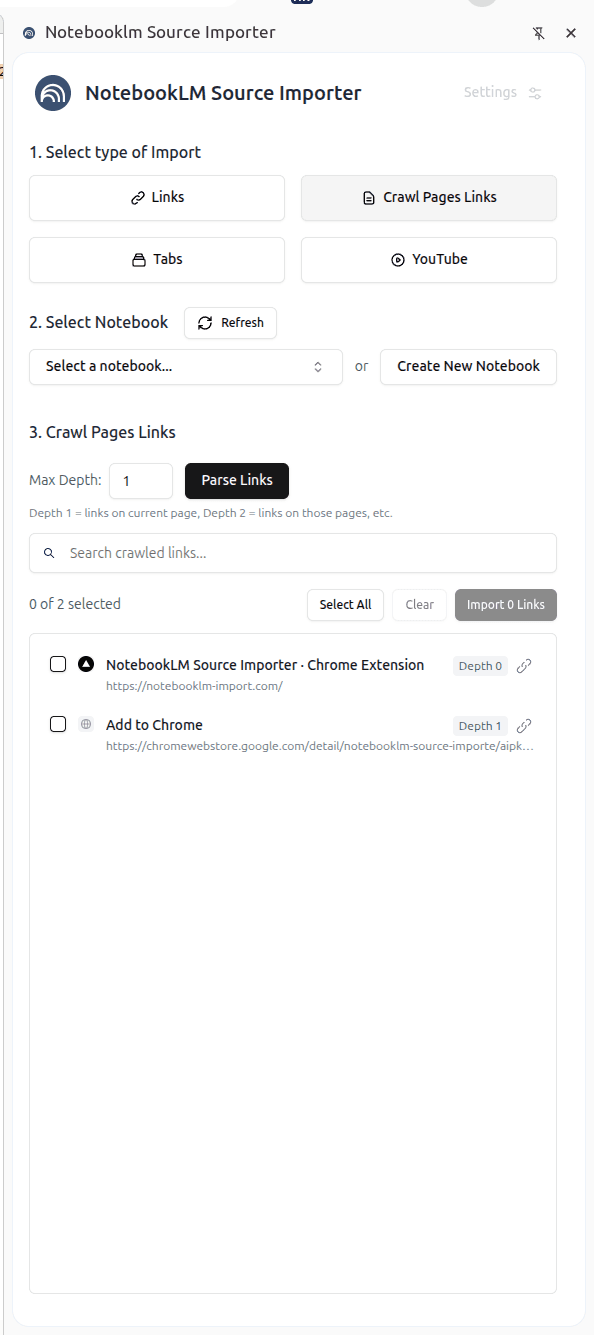
Import sources in seconds.
Import multiple sources at once.
Extracts main content, removes ads and clutter.
Works on any webpage in your browser.
Export your conversations from ChatGPT, Claude, Gemini, and Perplexity directly into NotebookLM sources.
Simply open your chat conversation, click the extension icon, and your entire conversation history will be formatted and imported into NotebookLM as a source.
Turn YouTube content into NotebookLM sources. Import single videos or entire playlists with full transcripts.
Import any YouTube video transcript and description into NotebookLM.
Import entire playlists with all video transcripts in one go.
Get complete video transcripts automatically extracted and formatted.
Perfect for research, learning, and content analysis. Import educational videos, tutorials, interviews, and more directly into your NotebookLM notebooks.
Add the extension from Chrome Web Store.
Go to any page you want to import.
Click the extension icon. Done.